 Hirundo
Your passport book, stamped by a swallow
Meet Hirundo, a little barn swallow who stamps a passport book for every new country and city you reach. It works offline, and everything stays on your phone.
 Download on theApp Store
Coming soon. For iPhone, free to start.

Japan is in your book!
8 countries · 19 cities
Next: Kyoto DoneHow it works
Travel, and your book fills itself in
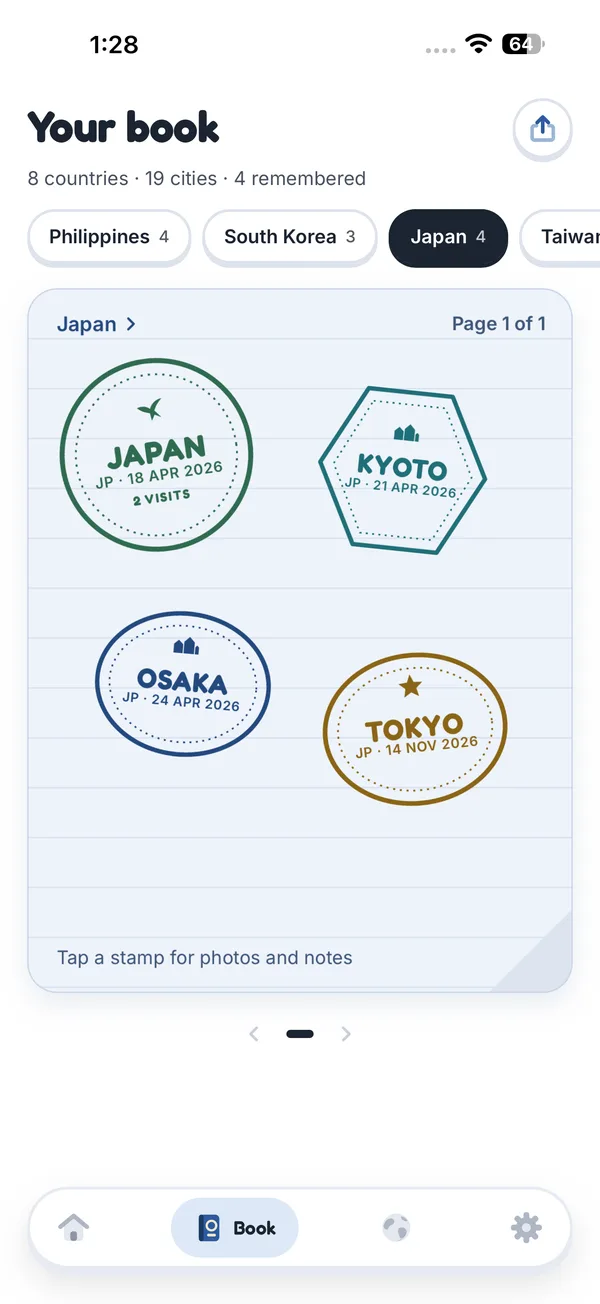
Arrive somewhere new and Hirundo stamps it, even with the app closed. Capitals get a star, coastal cities a wave, mountain towns a peak.
Stamps on their own
Stay about ten minutes somewhere new and the stamp lands. Come back and it gains a date.
Your whole story
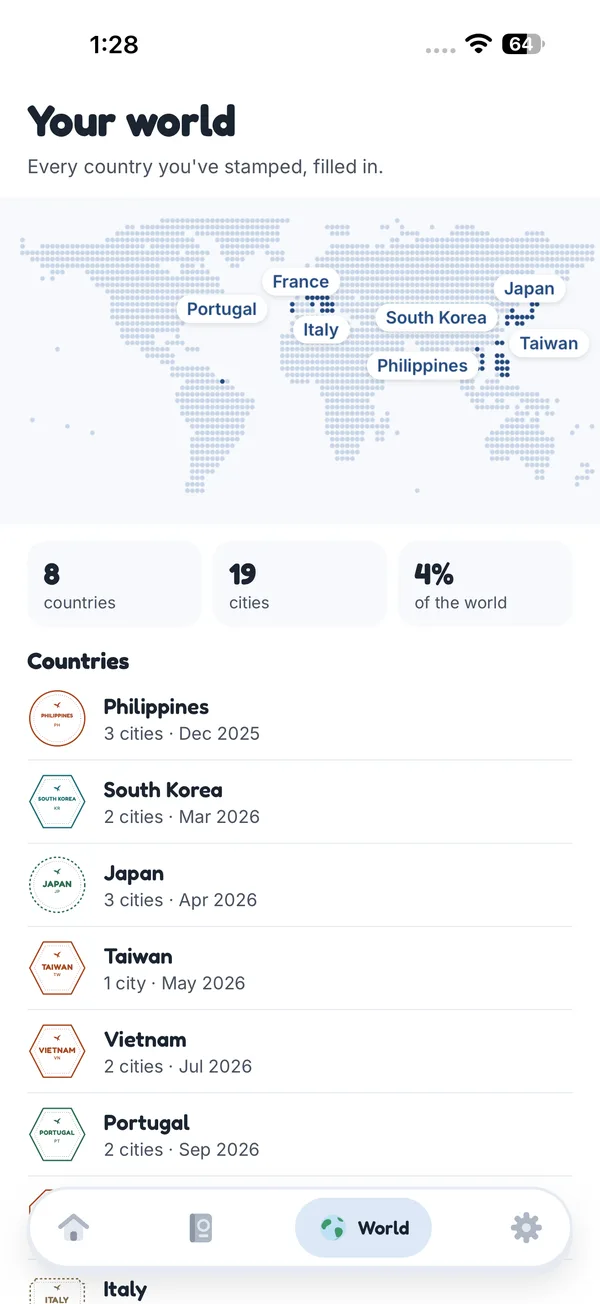
Add places from past trips as remembered stamps, and flip through your book country by country.
Offline and private
No account and no signal needed. Your book, photos and notes never leave your phone.
Share the best parts
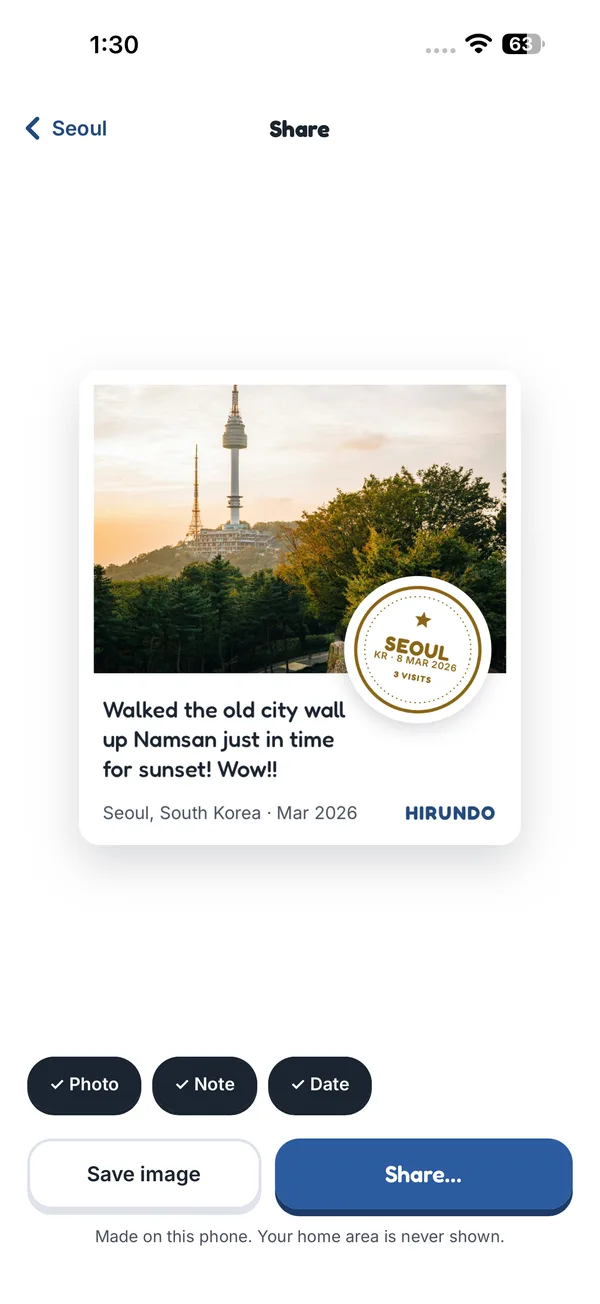
Make a postcard of one stamp, a page of a country, or your year in stamps.
Inside the app
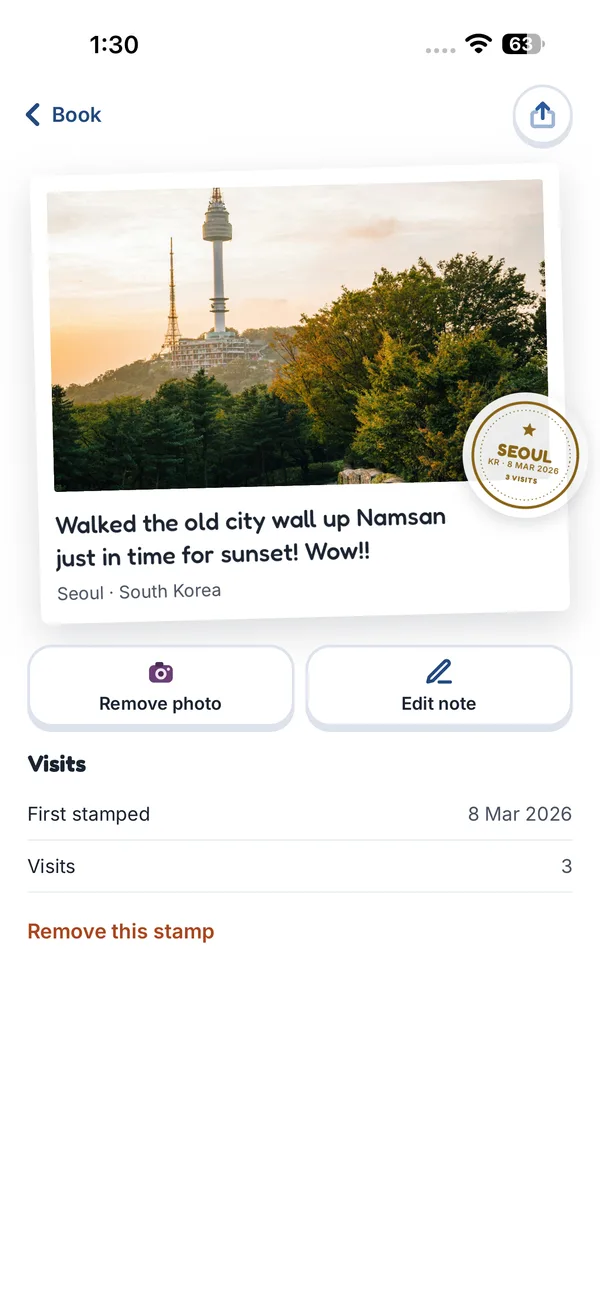
A book you'll want to flip through
Privacy
Everything stays on this phone
Hirundo works out the country and city on your iPhone, with places built into the app. It keeps the place name and the date, never your coordinates, streets or routes.
- Set a home area and Hirundo stays quiet near home. It never shows in what you share.
- Lock your book with Face ID.
- Back up to a file only you can open, with a password you choose.

Price
Free to start, one payment to keep
No subscription and no ads.
Free
No cost
Every country, 25 cities and 10 remembered trips. Cities reached after that are saved and sealed until you keep Hirundo.
Keep Hirundo forever
One payment
Stamp without limits and open every sealed stamp. US$5.99, or the local price in your App Store. Shared with your family through Family Sharing.
Support
Questions
Does Hirundo need the internet?
No. Every country and city is built into the app, so stamping works offline, abroad and in flight mode. Only the App Store purchase and backups you save to iCloud use a connection.
Why does it ask for location "Always"?
So it can stamp a new place when you arrive, which is usually with the phone in your pocket. Hirundo uses low-power location and keeps only the place name and date. With "While Using" it stamps while open, and without location you can stamp places by hand.
A place was stamped wrong. What can I do?
Open the stamp and choose Remove this stamp. Place data near borders, coasts and airports can be off; tell us where it happened and we'll look at it.
How do I move my book to a new iPhone?
On the old phone, go to Settings → Backup → Save a backup file and keep it in Files or iCloud Drive. On the new phone, choose Restore from a backup and enter your password. Then tap Restore purchase to unlock Hirundo forever again.
I forgot my backup password.
Nobody can open the file without it, not even us. That's what keeps it private. Save a new backup with a password you'll remember.
Something else? Email support.hirundo@gmail.com.
Ready for your first stamp?
Hirundo is packed and waiting.
Download on theApp Store
Coming soon to the App Store.